



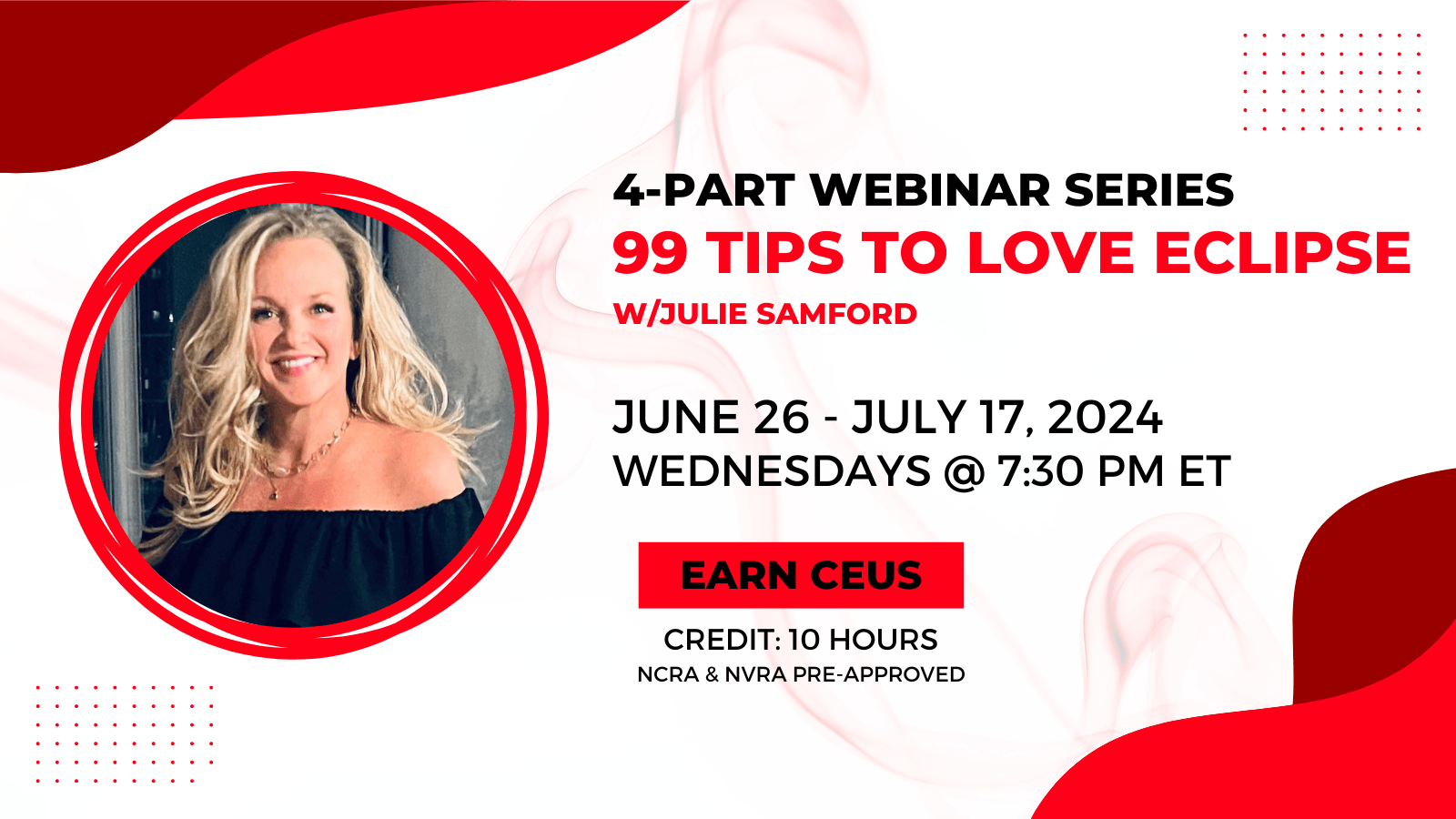
99 Tips to Love Eclipse
$210.00
(In Stock)
Please join us for Julie Samford’s absolute favorite 99 tips and tricks to get the most out of Eclipse! This class will delight all levels and will be the most fun legally allowed in a software training session. You use this program every day, but are you utilizing the BEST shortcuts and freshest features to make it awesome? This course is served in four bite-sized parts so you don’t get overwhelmed, and it will be accompanied by hands-down the most comprehensive step-by-step handout just to make sure you’ve got it and can put it all to use!
Here’s just a handful of the super important tips and tricks that will be revealed:
- Dictionary surgery – how to search for the weird entries that are disrupting your translation rates
- How to create a form field on your title page that will automatically adjust and format, even when you have 27 defendants to list in the caption
- Learn the number one sure-fire process to make absolutely certain you get all spellings and clarifications while you still have access to the witness
- How to automatically create a superb quality audio file as well as a tiny, easily sharable one with a single microphone
- Learn a trick to define pesky words and phrases that don’t always come out just right
- How to create a conflict and put in rules manually so it’s impossible to come out as unresolved
- How to quickly scan transcripts, documents, PDFs and even web pages to find critical words and phrases that you need to add to your dictionary to prepare for any case
- How to easily add lists of words and phrases to your dictionary in minutes (Realtime prep on steroids!)
- How to share artificial intelligence rules from one entry with unlimited similar entries
- Use an easy macro to fill in any spots you missed or need to retranslate
- Why, when, and where to use slop strokes
- How to have the audio track from a soft-spoken attorney’s microphone play back so you can hear every word
- How to have your numbers translate perfectly every time using number triggers
- How to merge, manage and maximize job dictionaries
- An easy metadictionary tweak to ensure dates translate perfectly
- Foolproof backups for all of your important files
- How to keep OneDrive from holding your Documents folder hostage
Only logged in customers who have purchased this product may leave a review.




Reviews
There are no reviews yet.